Who Is This Guide For?
If you’re an existing M+ user in Malaysia and want to access global markets, this guide walks you through opening a Global Account. It’s quick, straightforward, and takes just a few minutes to complete.
How to Open a Global Account
Opening a Global Account with M+ Global is designed to be simple. You don’t need separate documentation or a completely new registration—your existing M+ account details are all you need to get started.
- Log into the M+ Global App
Use your existing M+ account credentials to log in. You’ll see your familiar dashboard and account options.
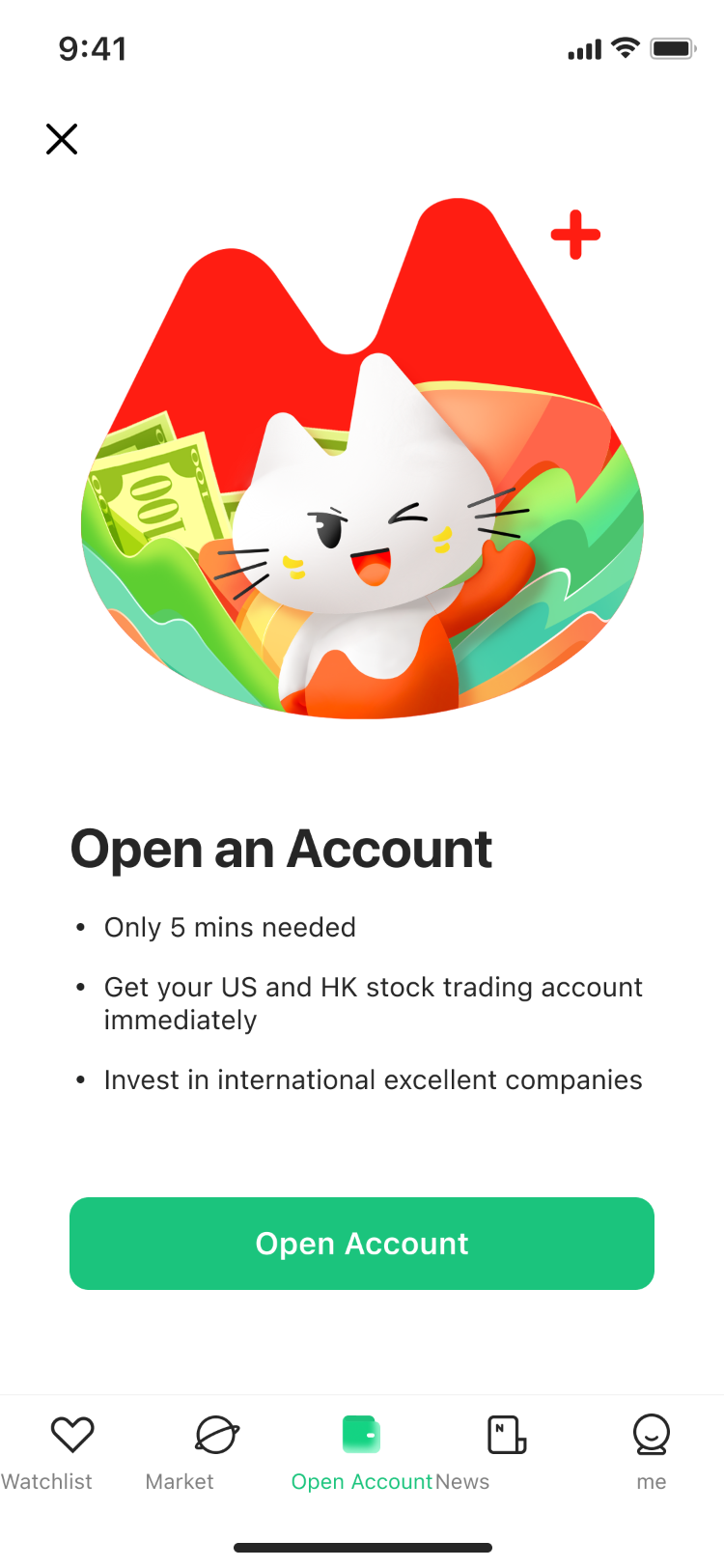
Account Opening Steps
Once you’re logged in, the process breaks down into three straightforward steps. Each one takes only a minute or two to complete.
- Step 1: Enter Your Taxation Details
Navigate to the “Account” tab and select “Open Global Account.” You’ll be asked to provide your taxation information, which is required for compliance with international trading regulations.
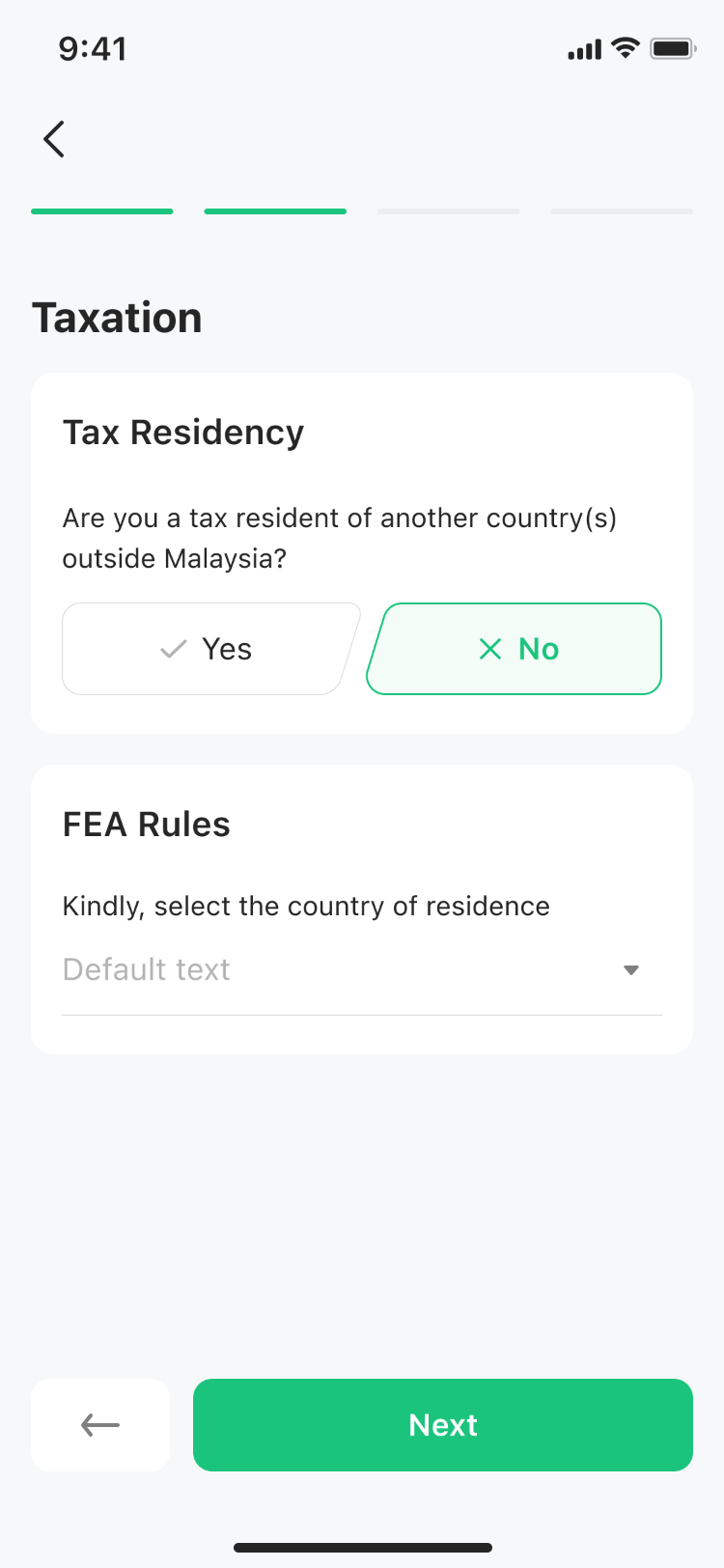
- Step 2: Review and Accept the Agreement
Read through the Global Account agreement carefully. This outlines the terms and conditions that apply to your Global Account. Once you’re satisfied, accept it to proceed.
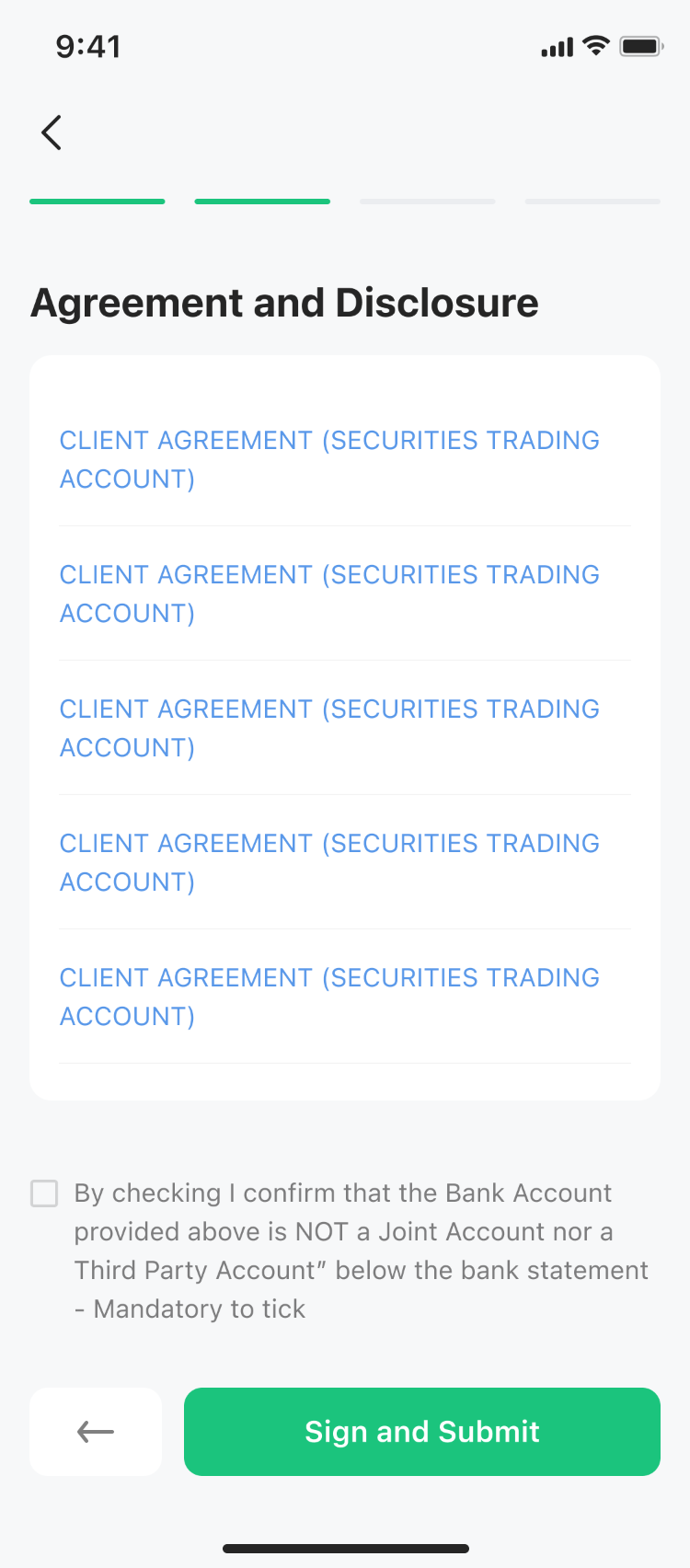
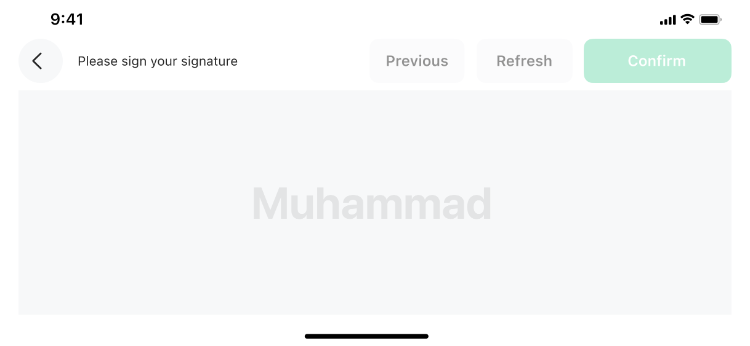
- Step 3: Sign the Form
Complete the digital signing process. This formalizes your Global Account opening and enables you to start trading on global markets.
Remisier tip: Make sure your taxation details are accurate before you submit them. Double-check spelling and all numbers, especially your identification details, to avoid delays in account activation.
Key Takeaways
- You can open a Global Account directly through the M+ Global App using your existing login credentials.
- The entire process requires only three simple steps: entering taxation details, reviewing the agreement, and signing the form.
- No additional documentation or separate registration is needed if you’re already an M+ user.
- All the information you provide during account opening is used for compliance and regulatory purposes.
- Once activated, your Global Account gives you access to international trading opportunities.
- The process is designed to be completed in just a few minutes from start to finish.
Frequently Asked Questions
Do I need a separate account to trade globally with M+?
No. You can open a Global Account directly within your existing M+ account. Simply log in, go to the Account tab, and select “Open Global Account” to get started without creating a new registration.
What taxation information do I need to provide?
The app will guide you through entering your taxation details as part of the account opening process. This information is required for compliance with international trading regulations.
How long does it take to open a Global Account?
The entire process takes just a few minutes. You’ll complete three simple steps: enter taxation details, review the agreement, and sign the form. Once submitted, your account should be activated quickly.
Can I use the same M+ login for my Global Account?
Yes. Your existing M+ account details are used to access and manage your Global Account through the M+ Global App. No separate login is required.
What happens after I sign the form?
After you complete all three steps and sign the form, your Global Account opening request is submitted. Once processed, you’ll be able to access global markets through your M+ Global App.
More M+ Global guides
Open your M+ Global account with Dexter Chia
Sign up in the M+ Global app with Invitation Code UBZQ to get AI automated tools, AI stock analysis and AI alerts — and a remisier you can actually reach.
WhatsApp: +60169059789 | Why choose Dexter?
Source: based on the official M+ Global Help Centre (Malacca Securities Sdn Bhd). Fees, hours and procedures are set by Malacca Securities and the exchanges and may change — check the M+ Global app or ask your remisier for the latest.
Disclaimer: This guide is for general information only and is not financial advice.