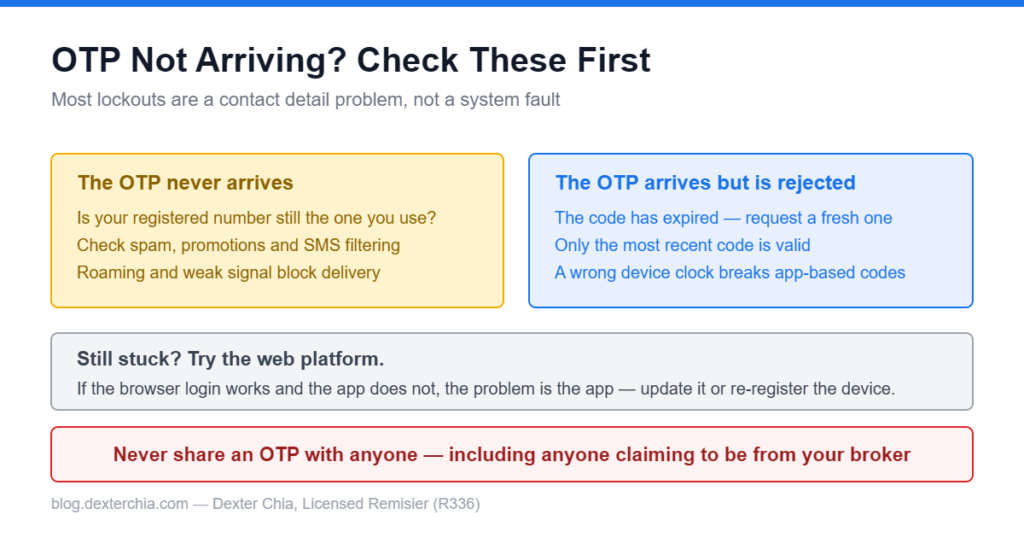
Being locked out of your trading account is stressful, particularly if the market is moving. The good news is that the causes are limited and most are fixable in minutes. Work through these in order.
Start Here: Are Your Contact Details Current?
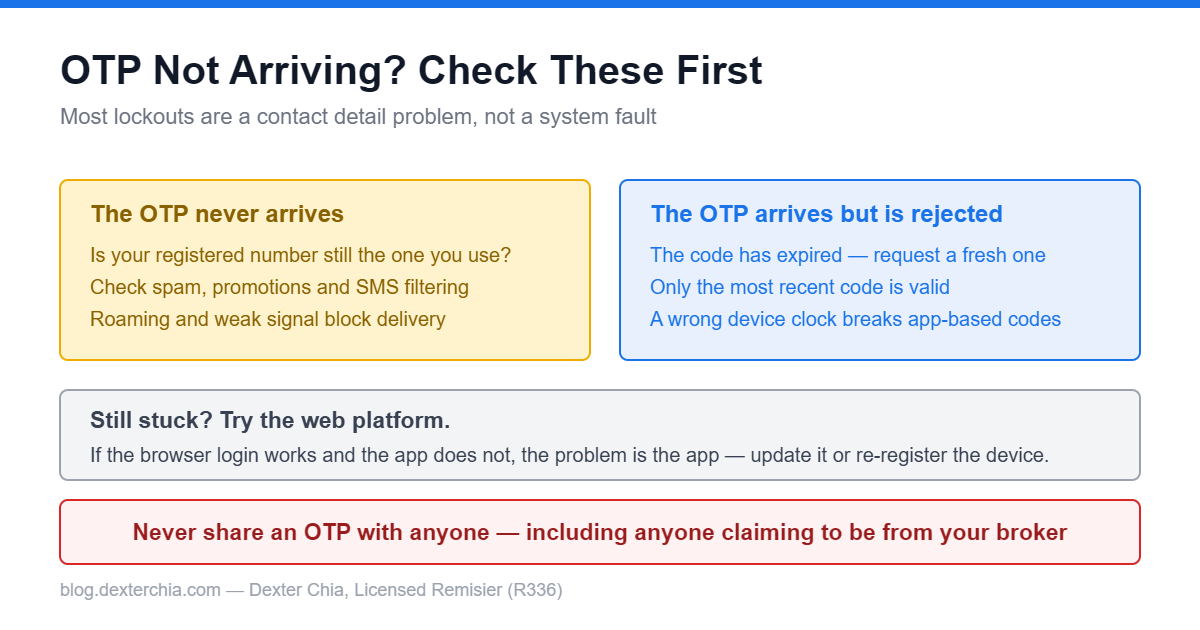
This is the single most common cause, and it is worth checking before anything else.
Your one-time password is sent to the phone number or email registered on your account. If you changed your number and never updated it with the broker, the OTP is being delivered to a number you no longer control. Nothing is broken. The message is simply going somewhere else.
The same applies to an old email address you have stopped checking.
If this is your situation, the fix is to update your registered details, which our guide on updating your phone number and email walks through. Note that this generally requires verification, so it is not instant — which is exactly why it is worth doing before you urgently need access.
If the OTP Is Not Arriving at All
Check your spam and promotions folders if the OTP goes to email. Automated messages land there routinely.
Check your SMS blocking settings. Some phones and telco services filter messages from short codes or unknown senders into a separate folder.
Check your signal. An SMS OTP cannot arrive if the phone has no service, and if you are roaming overseas, delivery can be unreliable or blocked entirely.
Wait before retrying. Requesting several OTPs in quick succession can invalidate earlier codes, so you may be entering a code that has already been superseded. Request one, wait, use that one.
If the OTP Arrives but Is Rejected
The code has expired. OTPs are short-lived by design. If you took a few minutes to find your phone, request a fresh one.
You are using an older code. If you requested several, only the latest is valid.
Your device clock is wrong. If your login uses an authenticator app rather than SMS, the codes are time-based. A device clock that has drifted will generate codes that fail. Setting date and time to automatic resolves it.
If the App Itself Will Not Let You In
Update the app. Outdated versions can fail against updated servers. Check your app store before assuming an account problem.
New phone or reinstalled app. Moving to a new device often requires re-registering it, which is a deliberate security step rather than a fault.
Try the web platform. If the browser login works and the app does not, the problem is the app, not your account. That narrows things considerably.
Network restrictions. Corporate wifi and some VPNs block financial applications. Switching to mobile data is a quick test.
Locked Out After Failed Attempts
Repeated failed logins will lock an account. This is intentional and protects you.
Once locked, more attempts will not help. The account needs to be unlocked through the proper channel, which means contacting your dealer or the support line with identity verification. Trying repeatedly in the meantime can extend the lock.
Do Not Do These
Never share an OTP with anyone. Not with someone claiming to be from your broker, not with support staff, not with me. A genuine request will never ask you to read out a one-time code. Anyone asking is attempting to take over your account.
Do not log in through links in unsolicited messages. Go to the platform directly through the official app or by typing the address yourself.
Do not let anyone remote-control your device to help you log in.
What to Have Ready When You Ask for Help
- Your trading account number
- Which platform (M+ Global, or the old M+ Online app, which stopped working on 19 December 2025)
- Whether you are on the app or the web
- The exact error message shown, ideally a screenshot
- Whether the OTP goes to SMS or email, and whether it arrived
Key Takeaways
- Outdated contact details on file are the most common cause of missing OTPs.
- Request one OTP and use it — multiple requests invalidate earlier codes.
- A drifted device clock breaks time-based authenticator codes.
- If the web platform works but the app does not, the app is the problem.
- Repeated failed attempts lock the account, and only proper verification unlocks it.
- Never share an OTP with anyone, including anyone claiming to be from your broker.
Update your registered phone and email before you need them, not after. If you are locked out now and cannot get back in, message me with the details above and I will get it moving. I’m Dexter Chia, remisier at Malacca Securities Sdn Bhd, on WhatsApp at +60169059789 or via M+ Global invitation code UBZQ.
Need Help With This?
If you are an M+ Global client and cannot get into your account, message me directly — I sort these out for clients every week.
WhatsApp: +60169059789 | M+ Global Invitation Code: UBZQ
Disclaimer: This article is for informational purposes only and does not constitute financial advice. Always do your own research before making investment decisions.
Want to invest in Bursa Malaysia or US markets? Contact Dexter Chia, an AI Driven Remisier who has 2,200+ clients at Malacca Securities Sdn Bhd (M+ Global). M+ Global Invitation Code: UBZQ | WhatsApp: +60169059789 | Why Choose Dexter?