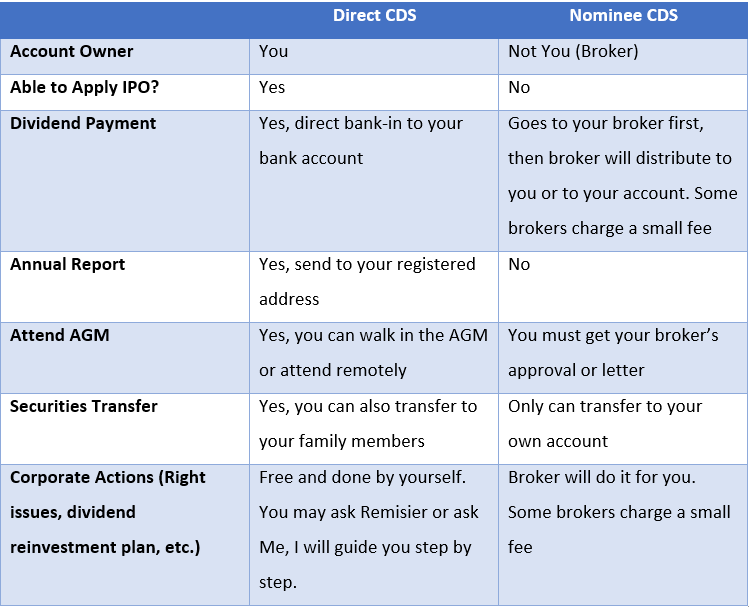
学习如何设定 M+ Global 电脑版 Desktop Layout SettingBy Dexter Chia / December 9, 2023 M+ Global Desktop Version 电脑版 PC Version 终于正式上线 ! M+ Global 很难用? 不怕,只需跟着我的步骤! 你可以跟着以下步骤来申请户口,而且我们是受国家监管的合法交易平台! 1. 下载 M+ Global app 2. 线上注册3. 填入 Invitation Code: UBZQ 除此之外,你可以享有我给予客户们的服务! Related guides Best Stock Broker in Malaysia 2026: Fees & Features Compared Remisier Malaysia: your licensed M+ remisier Direct CDS vs Nominee Account: Which Owns Your Shares
How to Open a CDS and Trading Account in Malaysia (2026 Step-by-Step Guide) Trading Guides / By Dexter Chia
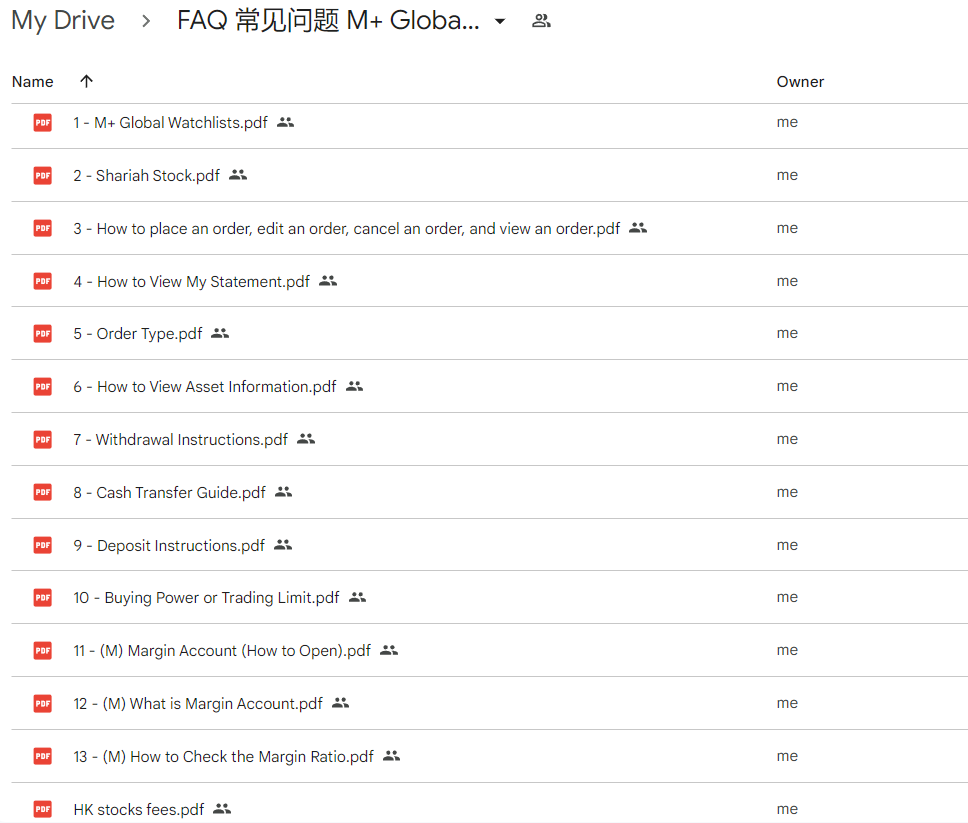
Frequently Asked Questions (FAQ) for M+ Global APP: Your Ultimate Guide Trading Guides / By Dexter Chia
Unlocking the Secrets: 10 Things You May Not Know About the M+ Global Trading APP & M+Global Review Trading Guides / By Dexter Chia
Mastering the US Stock Market: Unveiling the 3 Types of Trading Hours in the US – Pre-Market, Post-Market, and Regular Trading Hours Trading Guides / By Dexter Chia