We understand that changes to your trading environment can be disruptive, which is why we have made the transition from M+ Online to M+ Global as seamless as possible.
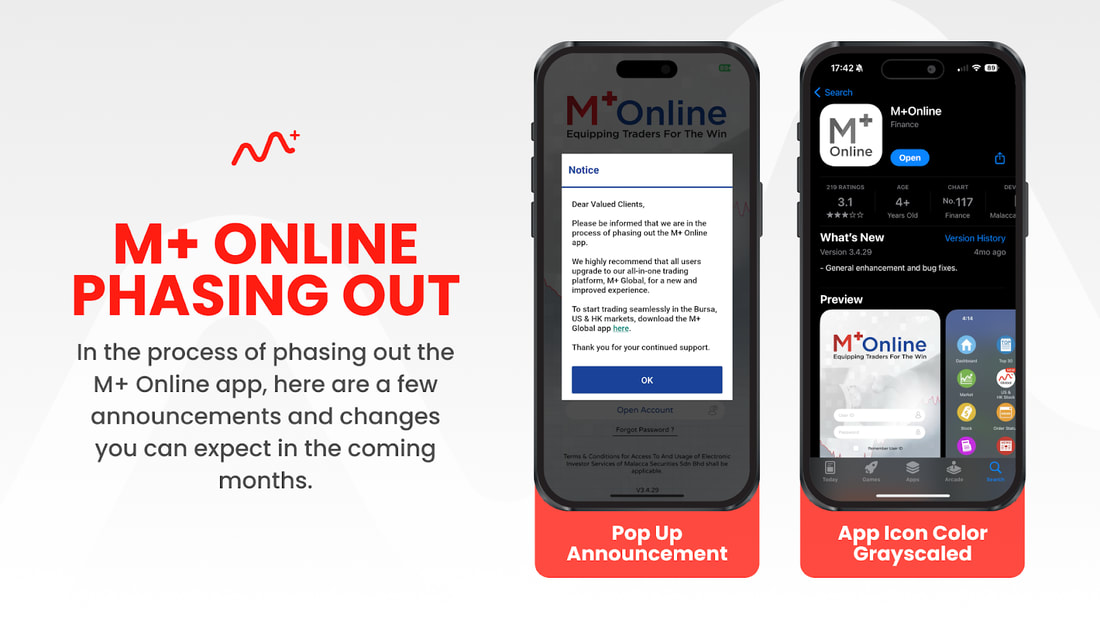
We would like to inform you that we are in the process of phasing out the M+ Online app as part of our ongoing efforts to enhance the trading experience for our users.
Over the coming months, you will start to notice several changes within the M+ Online app, including a pop-up notification announcing the transition, and eventually, the app icon itself will turn grayscale.
These updates will serve as clear indicators of the app’s impending phase-out.
However, we want to assure you that the M+ Online web platform will remain fully operational and accessible to those who prefer to continue using it for their trading activities.
Why Switch to M+ Global?
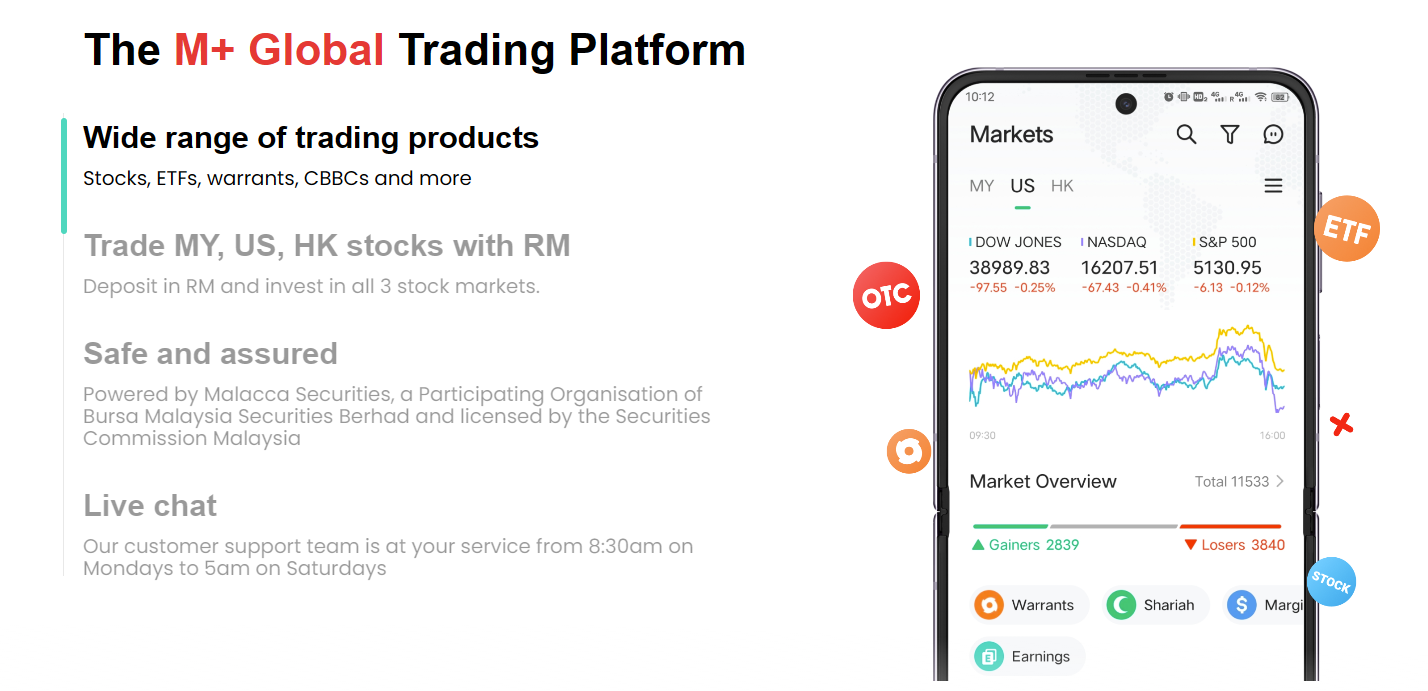
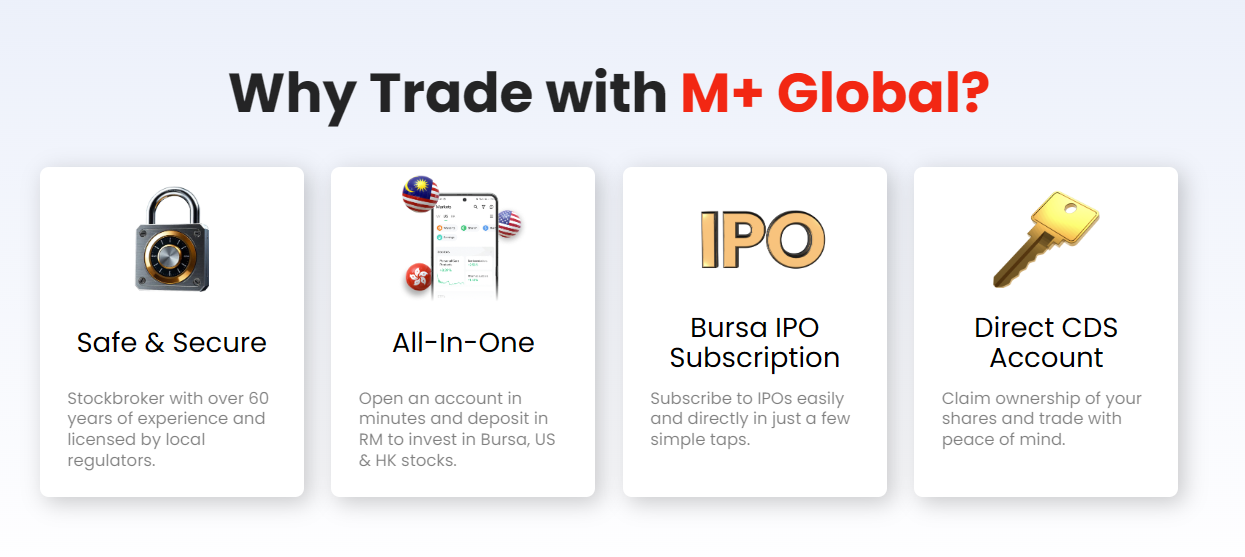
With M+ Global, you are no longer limited to just one market. The platform empowers users to trade across the Bursa, U.S., and Hong Kong (HK) stock markets, all from a single, unified platform. This multi-market access is ideal for traders looking to expand their portfolios and take advantage of opportunities in various global exchanges, without the hassle of switching between different apps or accounts.

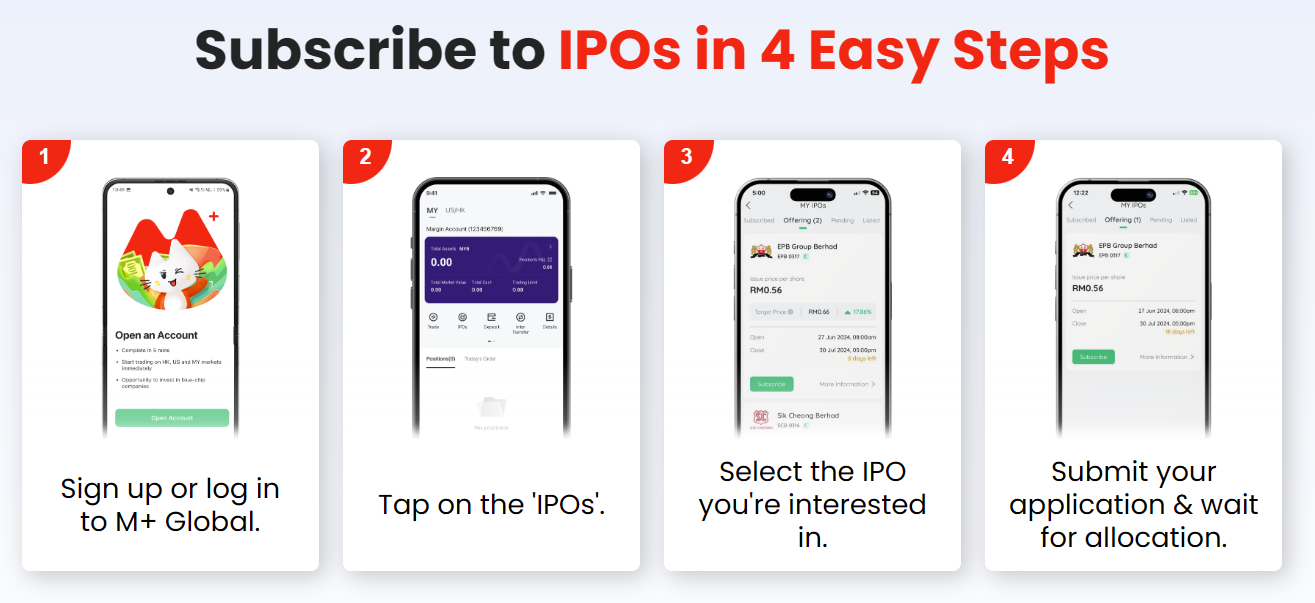
How to Start Switching to M+ Global?
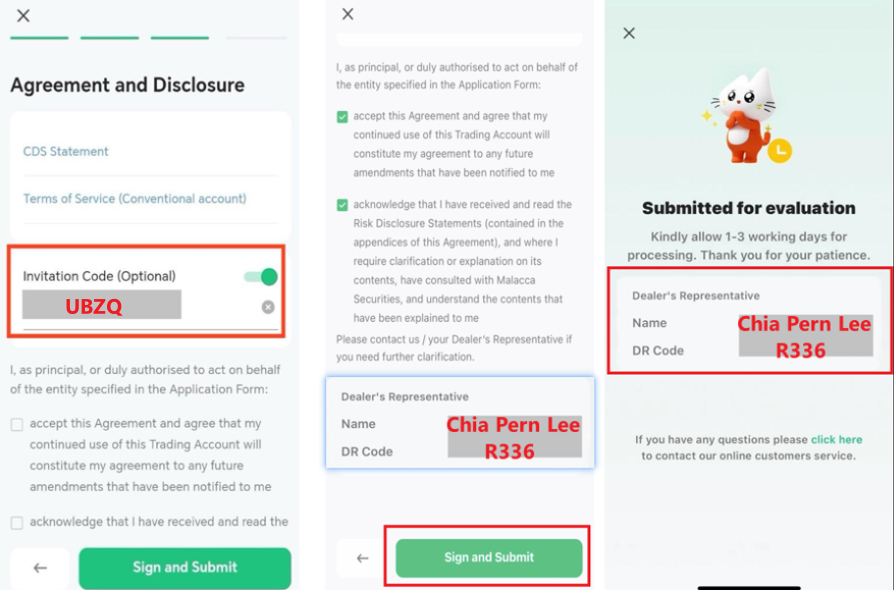
- Download the M+ Global App: Available on both iOS and Android platforms, Huawei Gallery.
- Sign Up Using Invitation Code: UBZQ
- Wait for the confirmation
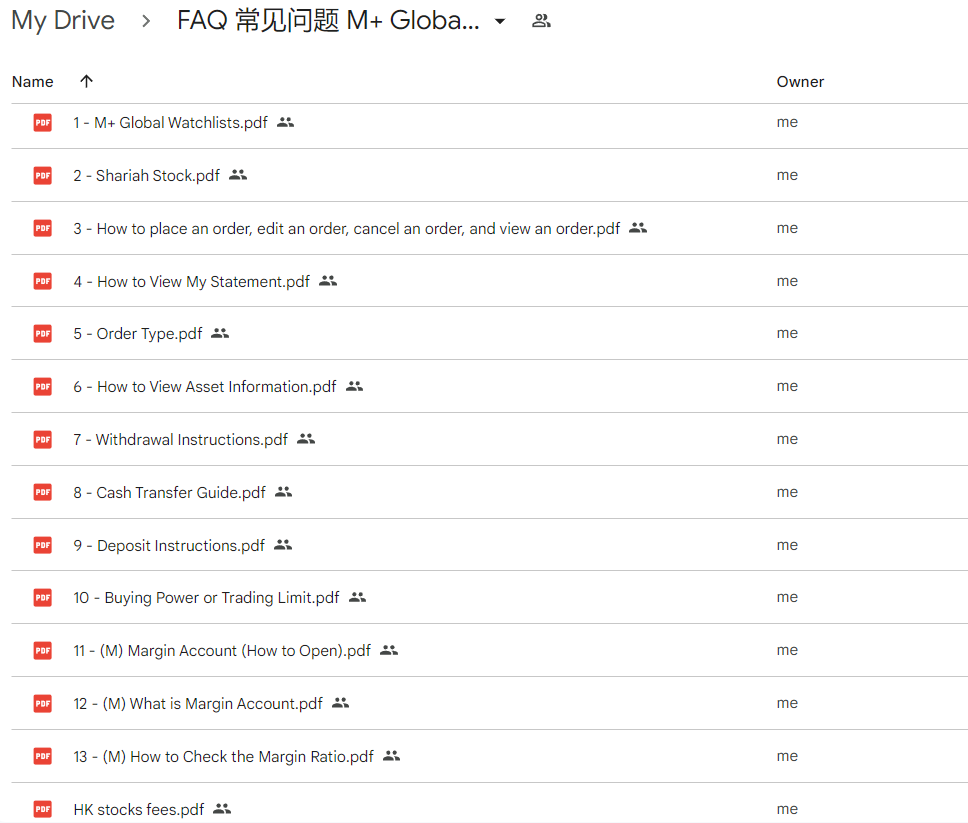
- You will receive my FREE Professional services that listed here.