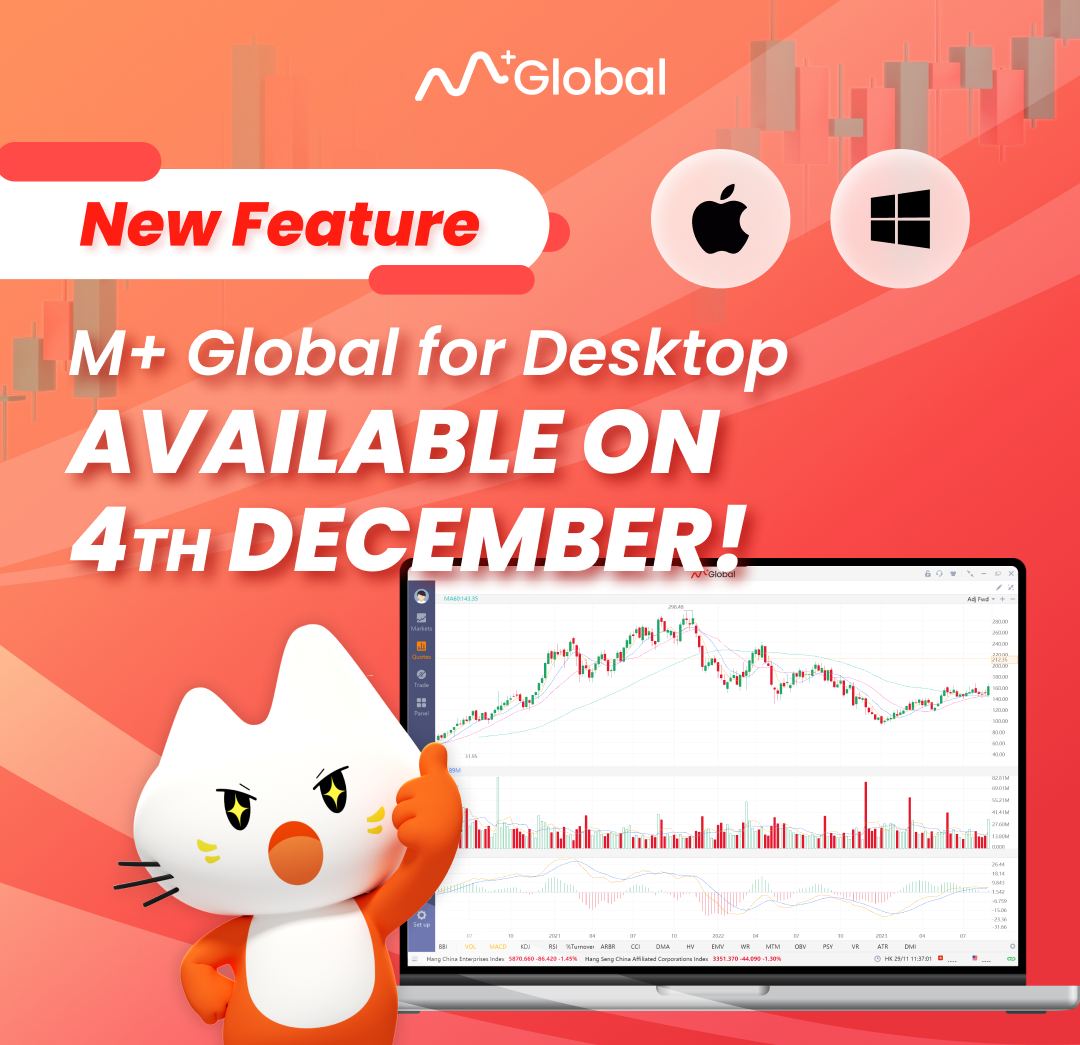
That’s wonderful news! It’s clear that the release of the PC version for M+ Global is a big step forward. Given traders and investors a desktop tool makes things easier and gives them more options, making the experience stronger and more complete than with mobile apps.
Follow the following steps to Download & Install M+ Global Desktop/PC Version:
Step 1: Visit https://mplusonline.com/download-global
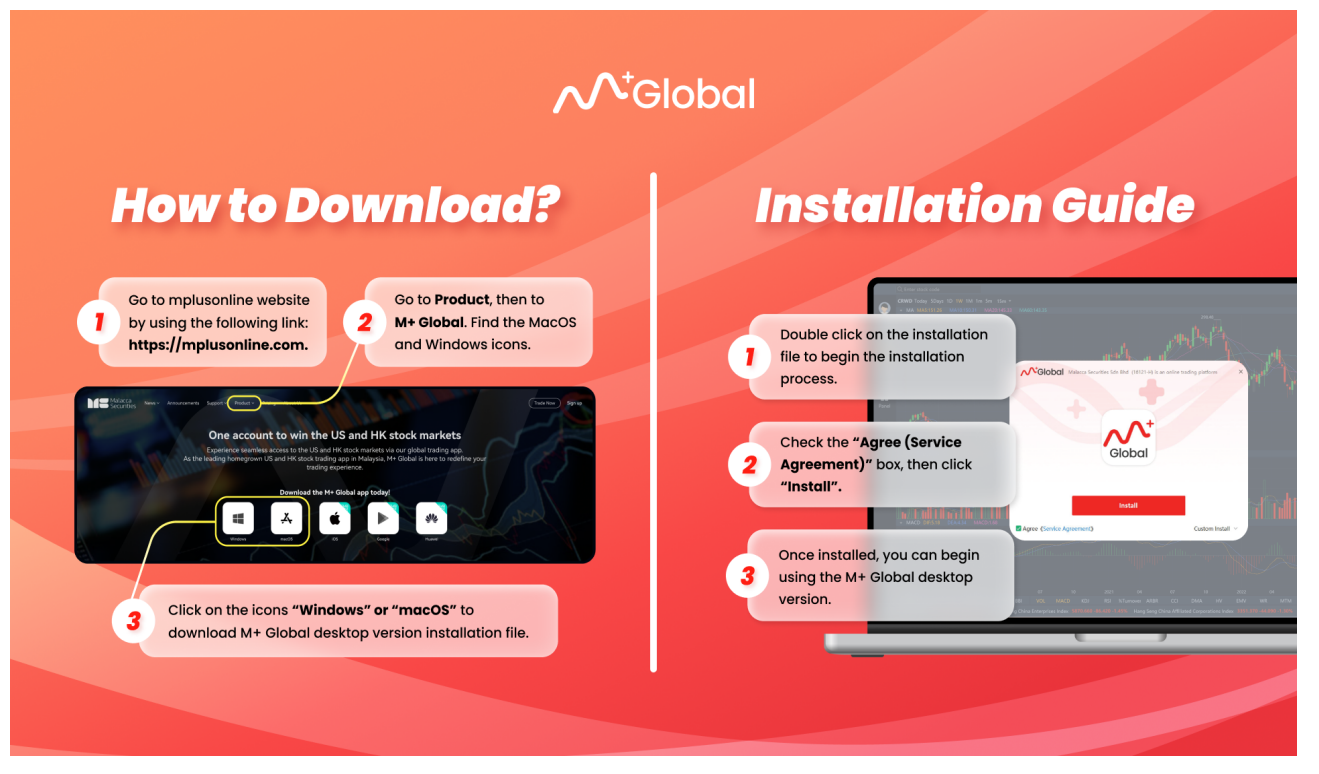
Step 2: Click on the icons “Windows” or “macOS” to download the M+ Global Desktop Version Installation File.
Step 3: Double click on the file
Step 4: Check the “Agree (Service Agreement)”, then click “Install”.
Step 5: Login and start to use it.
Visit my next blog post for Desktop Version’s platform guide.
You may follow the following steps to sign up for Foreign Stock Trading Account (SC Approved)!
1. Download M+ Global app
2. Register Online
3. Fill in the Invitation Code: UBZQ
Check all my professional services listed in here.